
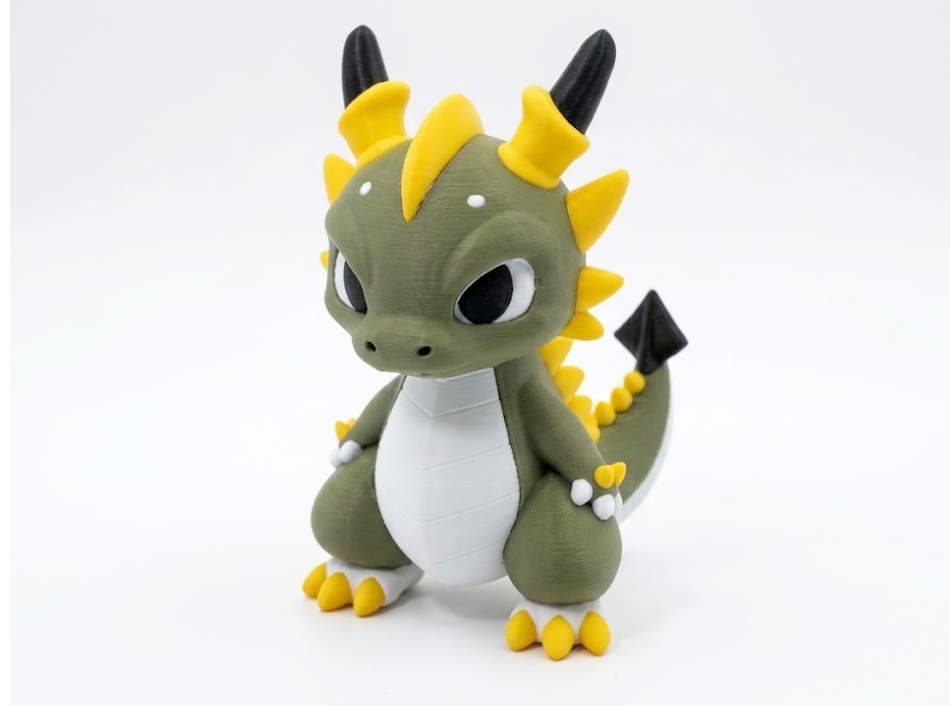
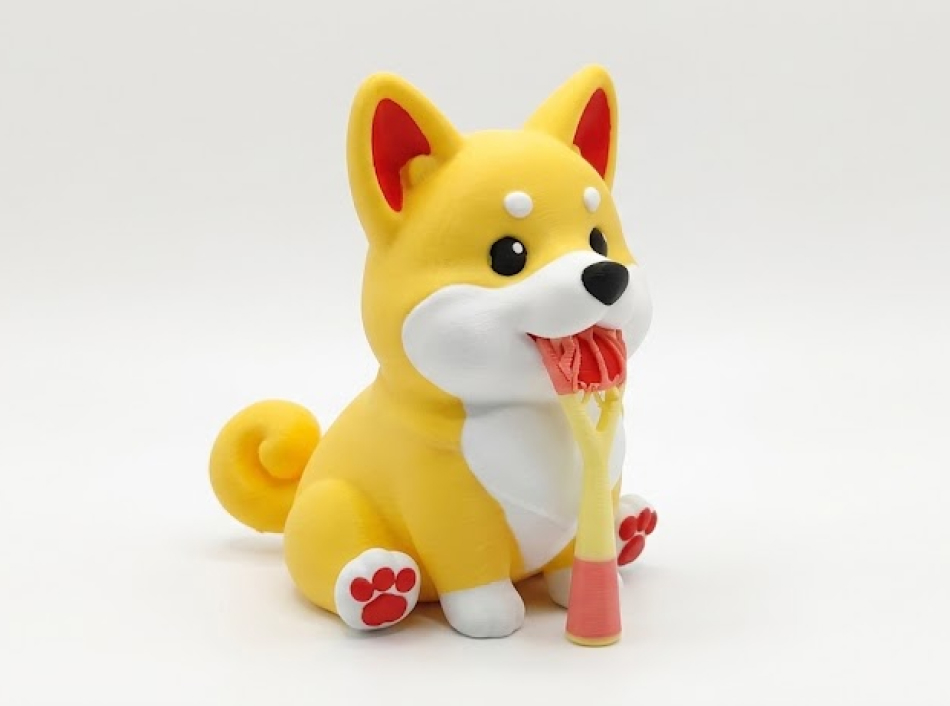
4-Color Model
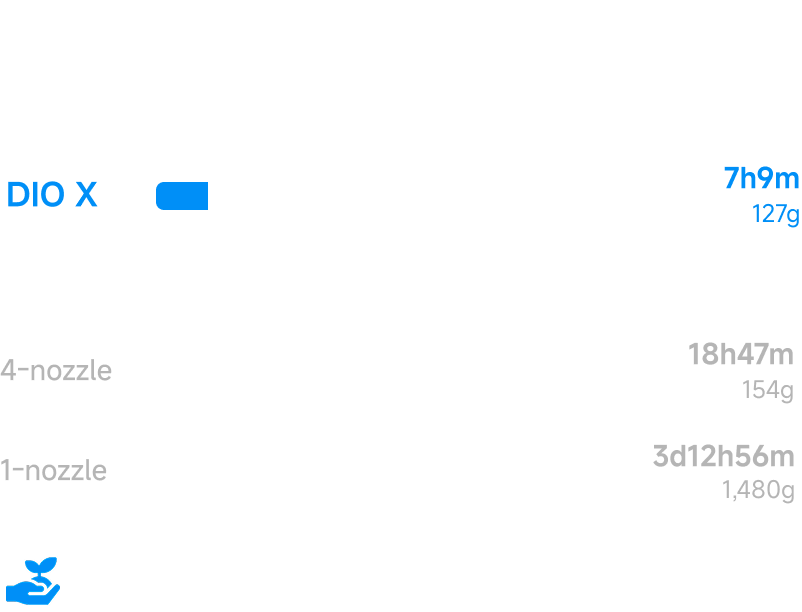
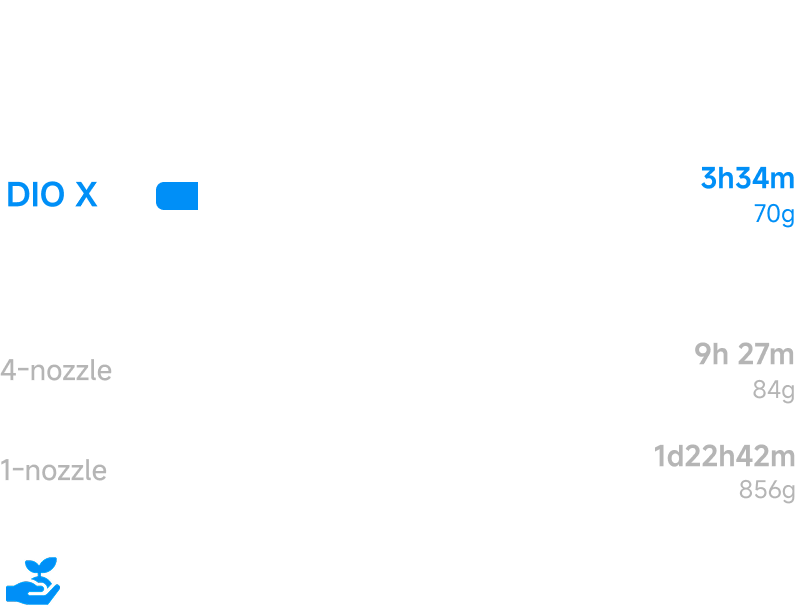
8X Faster
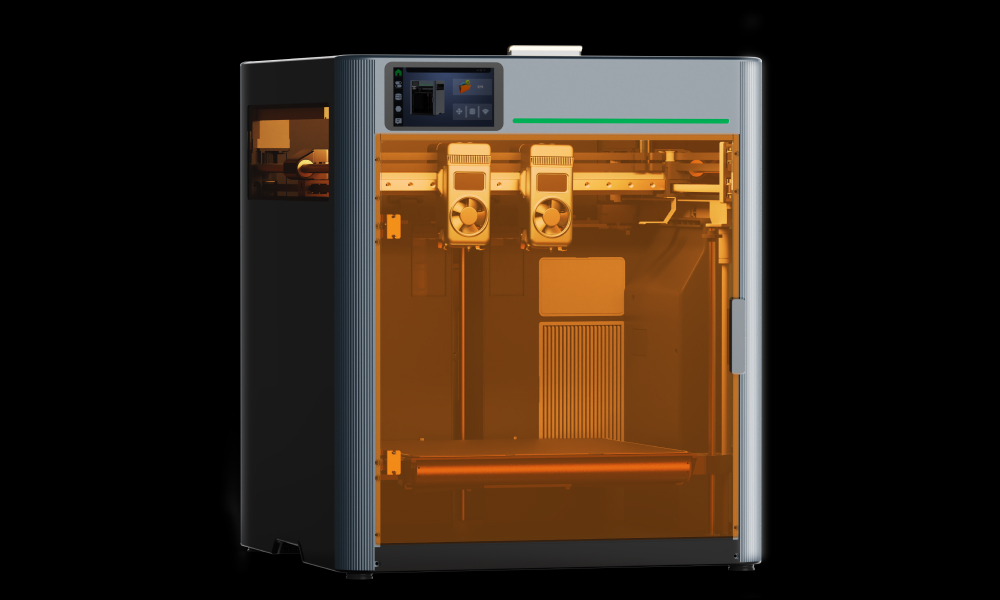
2 Toolheads | 4 Nozzles | 4 Motors
800mm/s Printing Speed
 $50 VIP DepositGet DIO X from $549 · Up to 42% off
4-Color Model
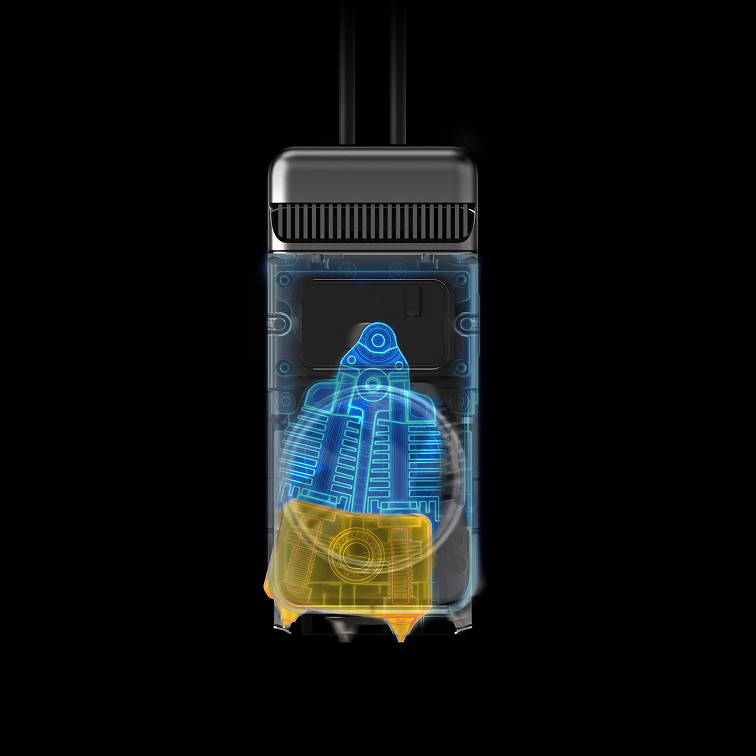
Pre-Heating
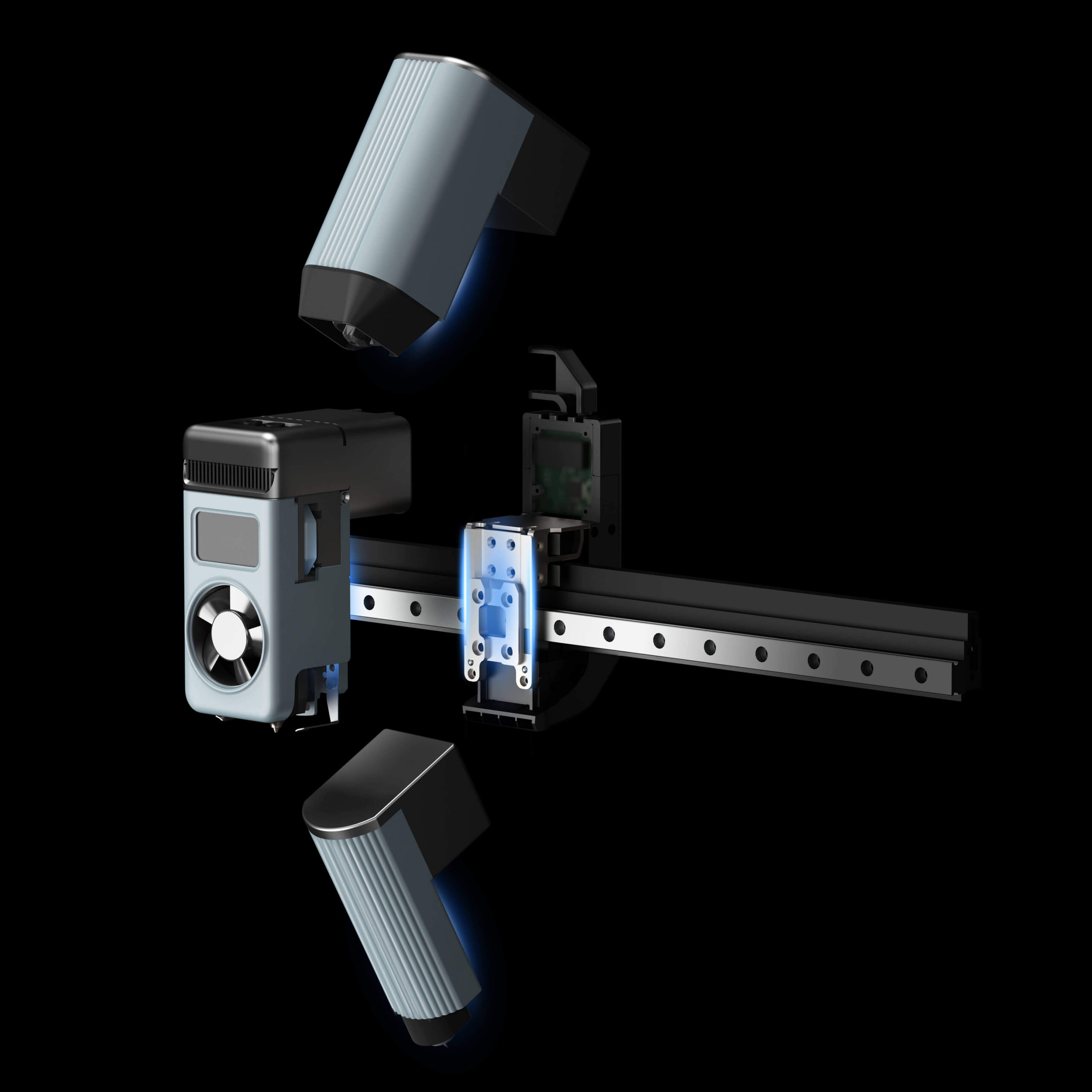
Modular Toolhead
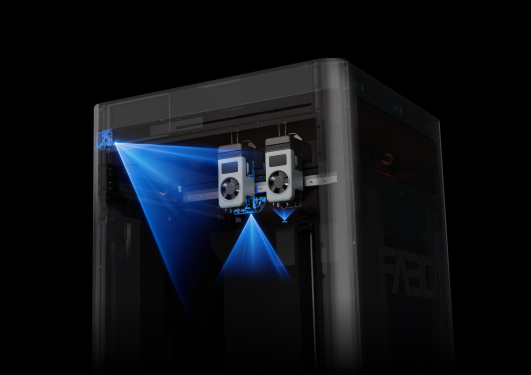
Nozzle Offset
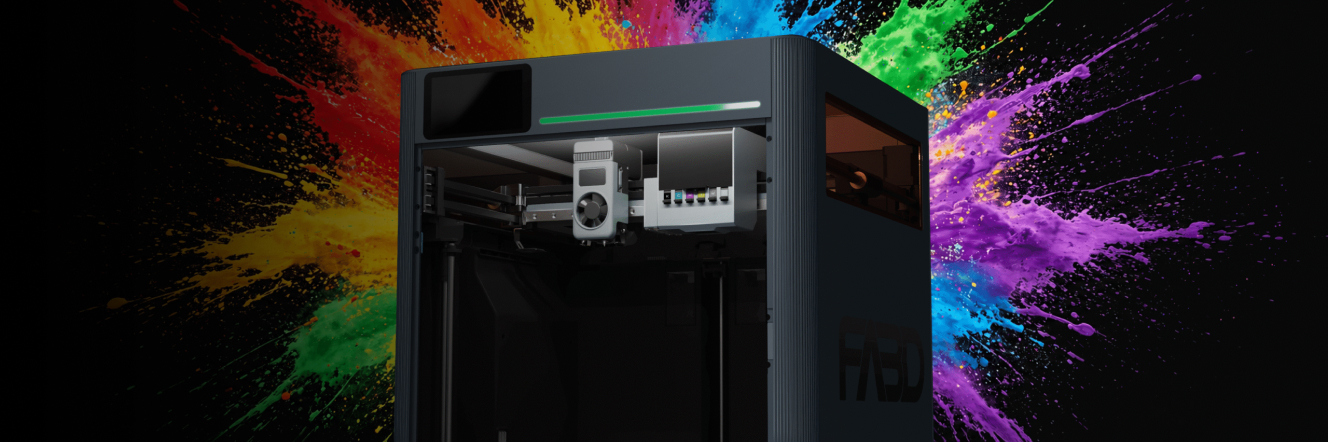
FDM, Laser, Cutting,
All Covered.
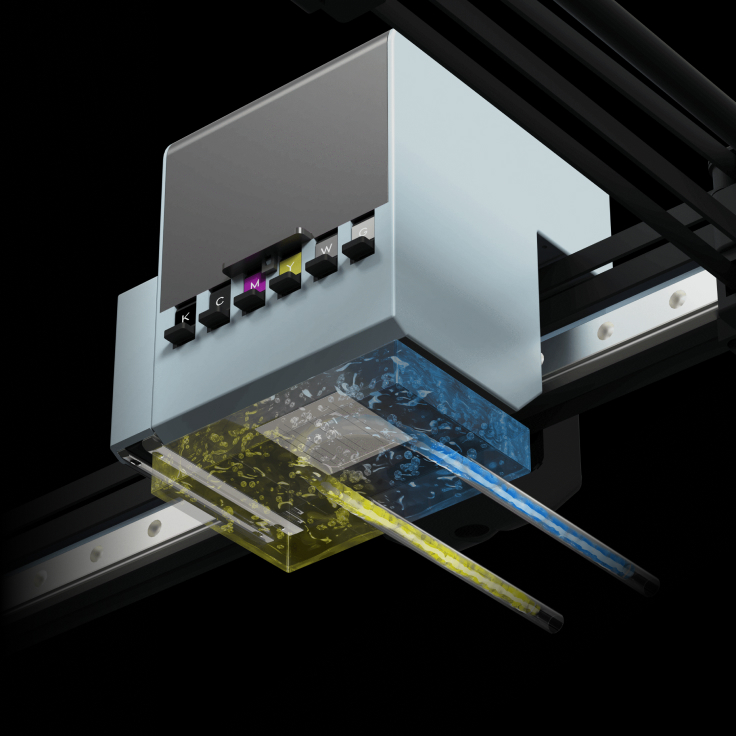
UV Printing System
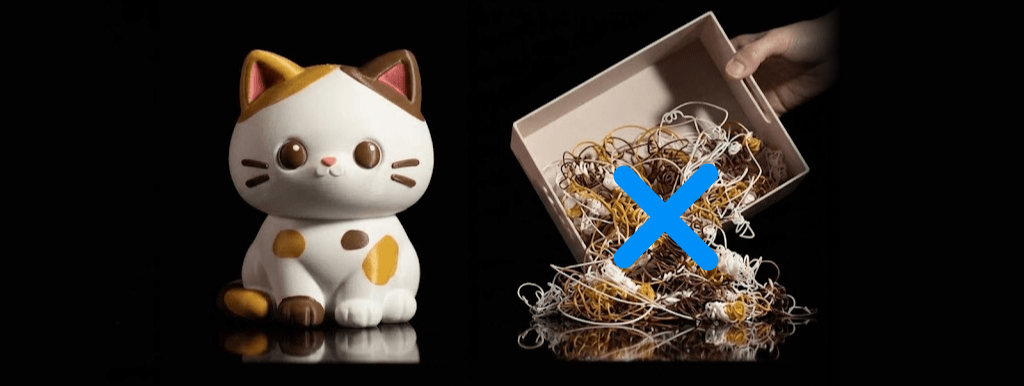
Up to 99% Less Waste
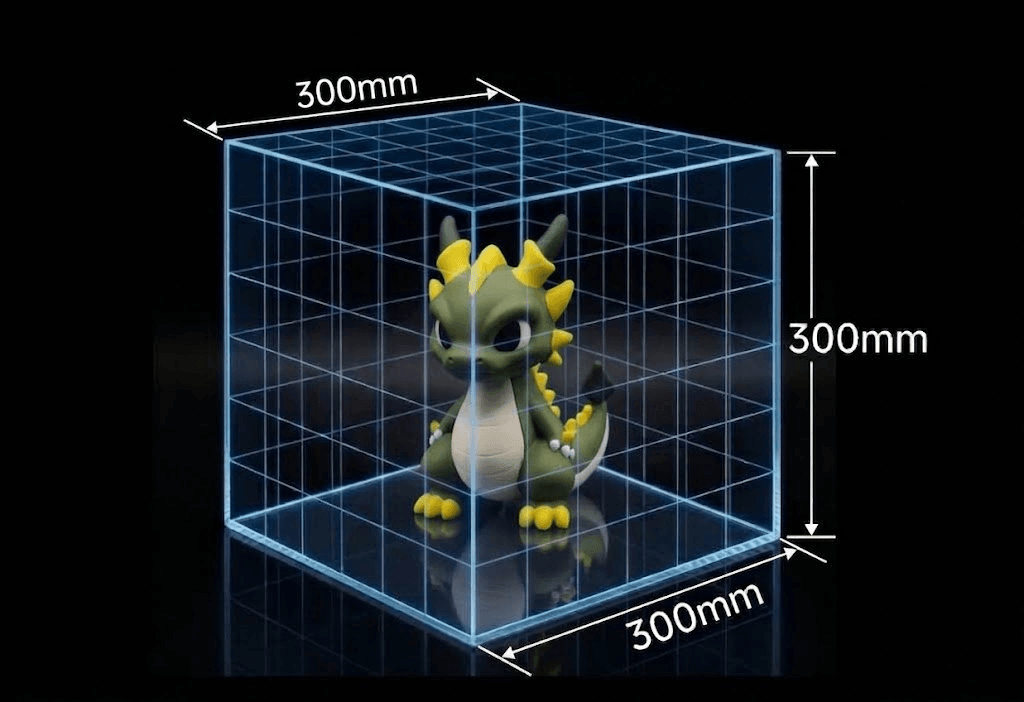
300³ mm Build Volume
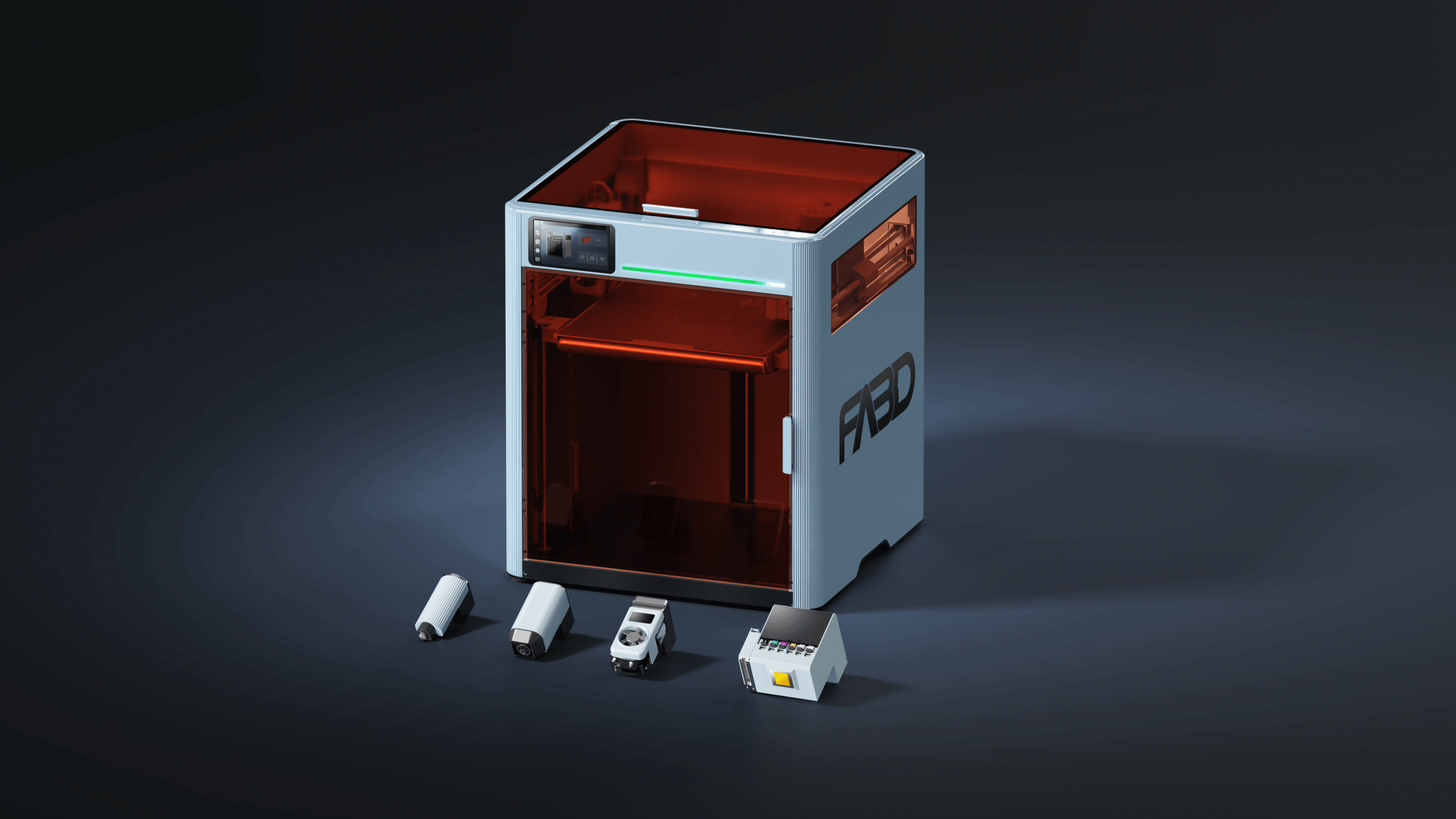
All-in-One Workflow
We spent over a year on one question: why should your creativity be limited by which machine you happen to own? We kept seeing the same pattern: an idea that needed a laser, but the only tool on hand was a 3D printer. That's why every carriage on FA3D DIO X accepts any tool. Your creativity shouldn't be limited by which tools you happen to own.
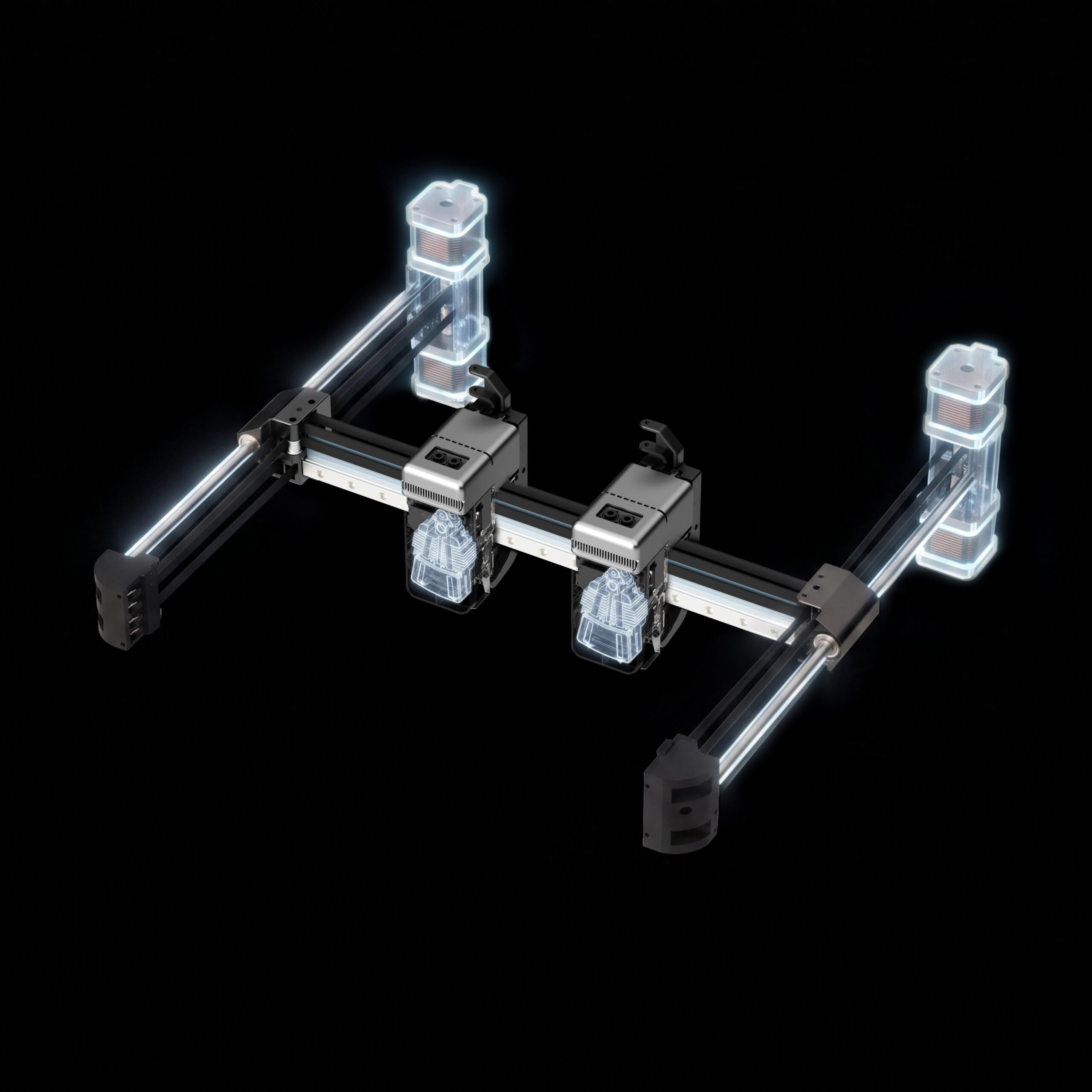
Dioscuri-3D™ Architecture
For full-color relief and full-color 3D models.
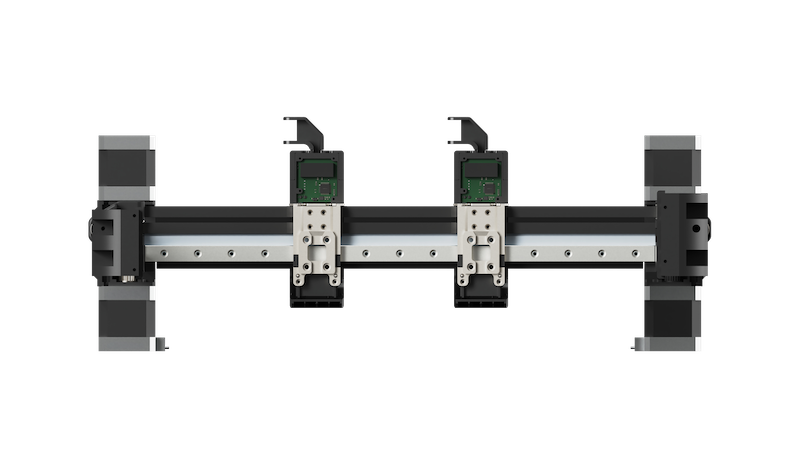
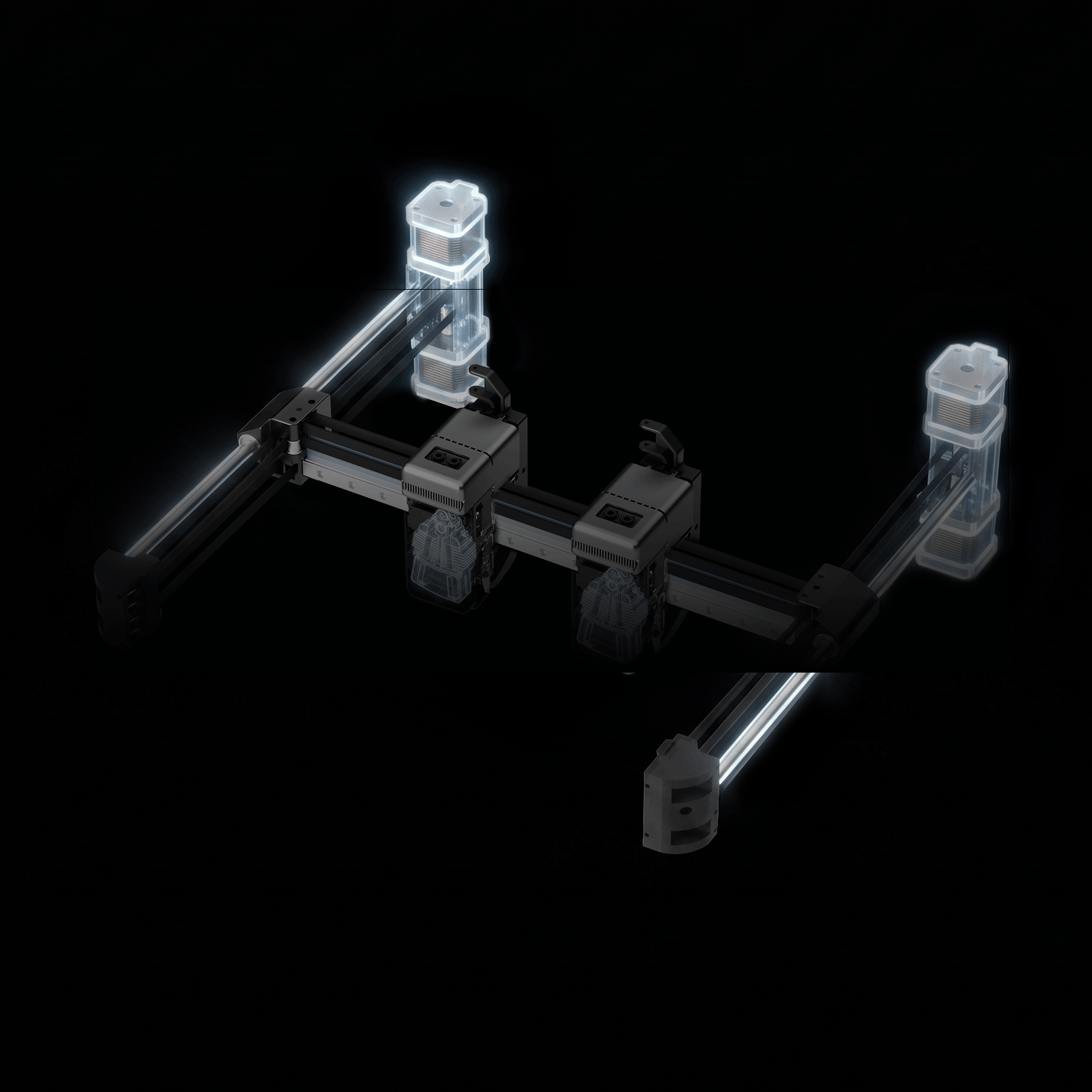
2 Toolheads · 4 Motors · 800mm/s Printing Speed
Each nozzle rotates on its own axis. To switch, it simply pivots against a fixed post at the back of the chamber. A metal shield on each nozzle blocks ooze during the switch, so there's no cavity to balance and no need to purge material first.
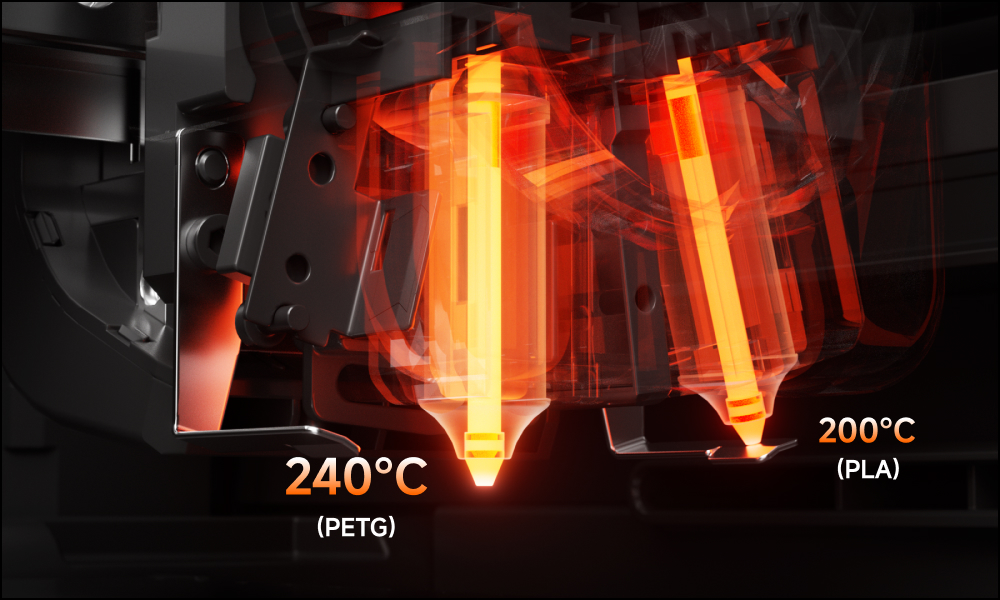
350°C / 662°F Max. nozzle temperature gives DIO X the range to run the correct thermal profile for each material. PETG, nylon, and standard PLA each reach their optimal melt state before the swap.
65°C / 149°F Max. active chamber heating and cooling circulation system support standard and engineering-grade materials, including PLA, PETG, PC, and PPA.
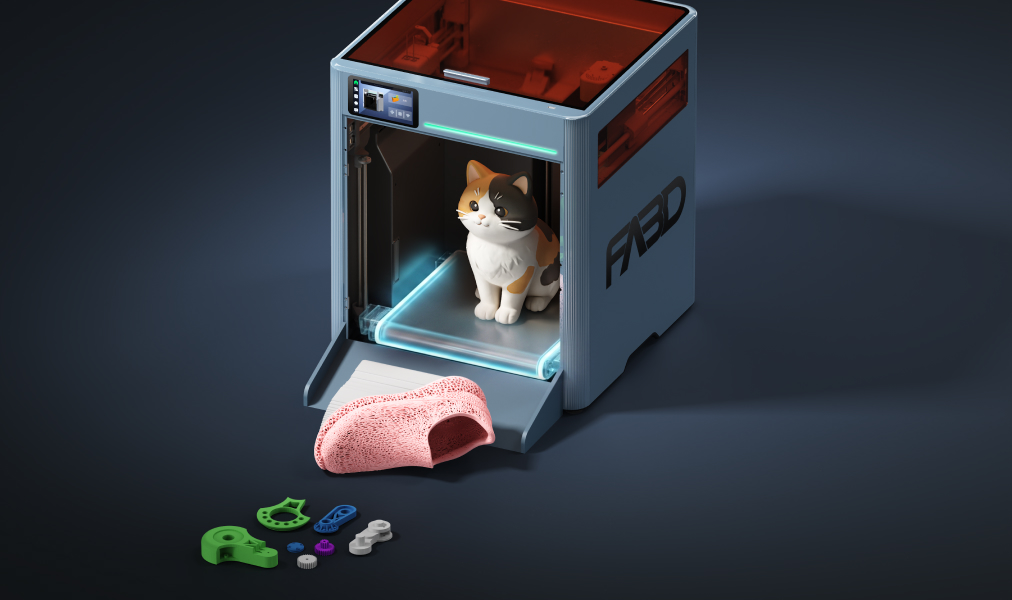
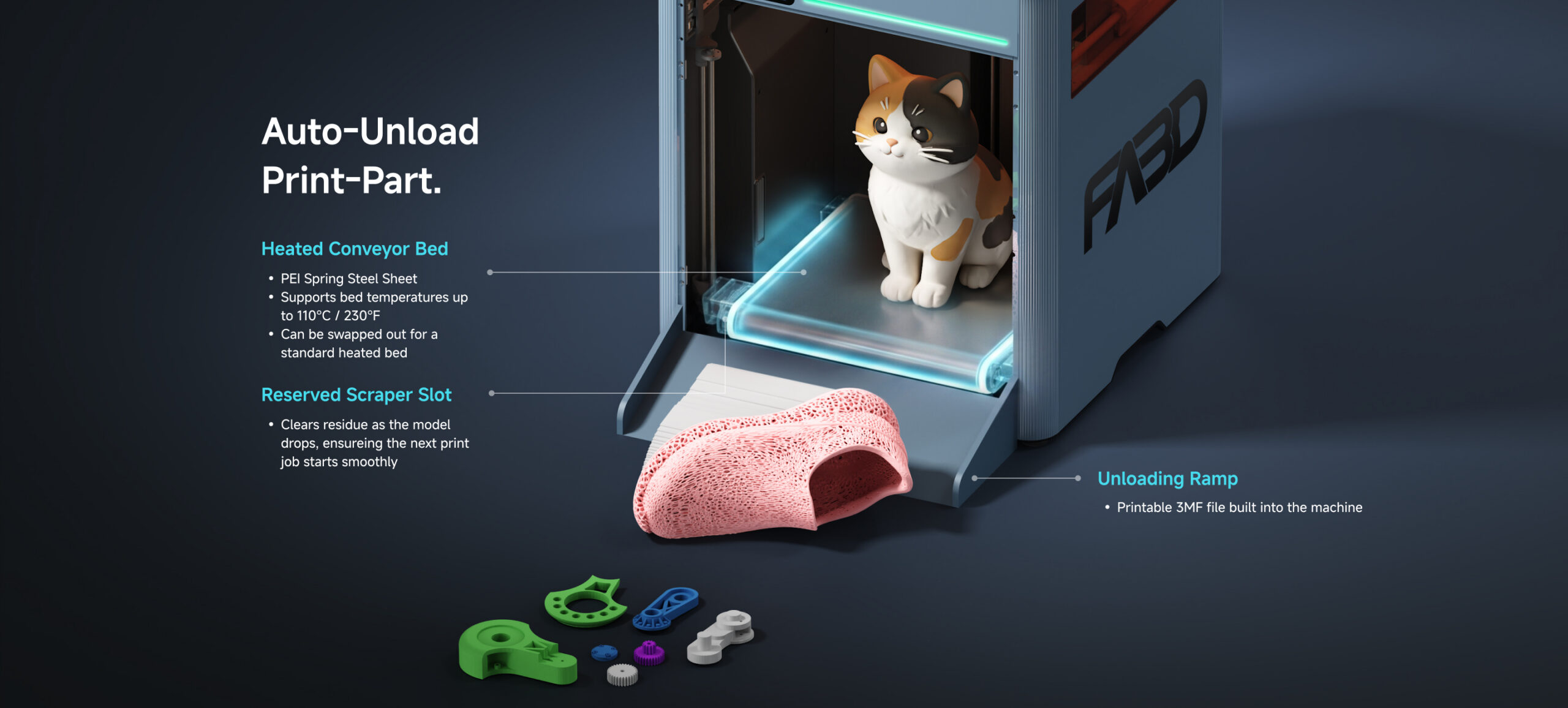
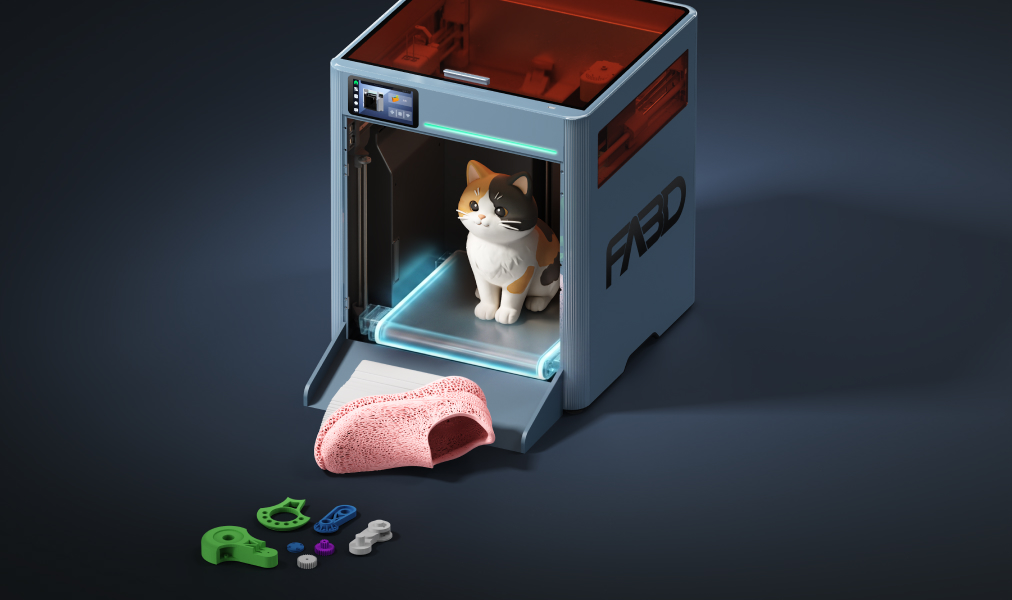
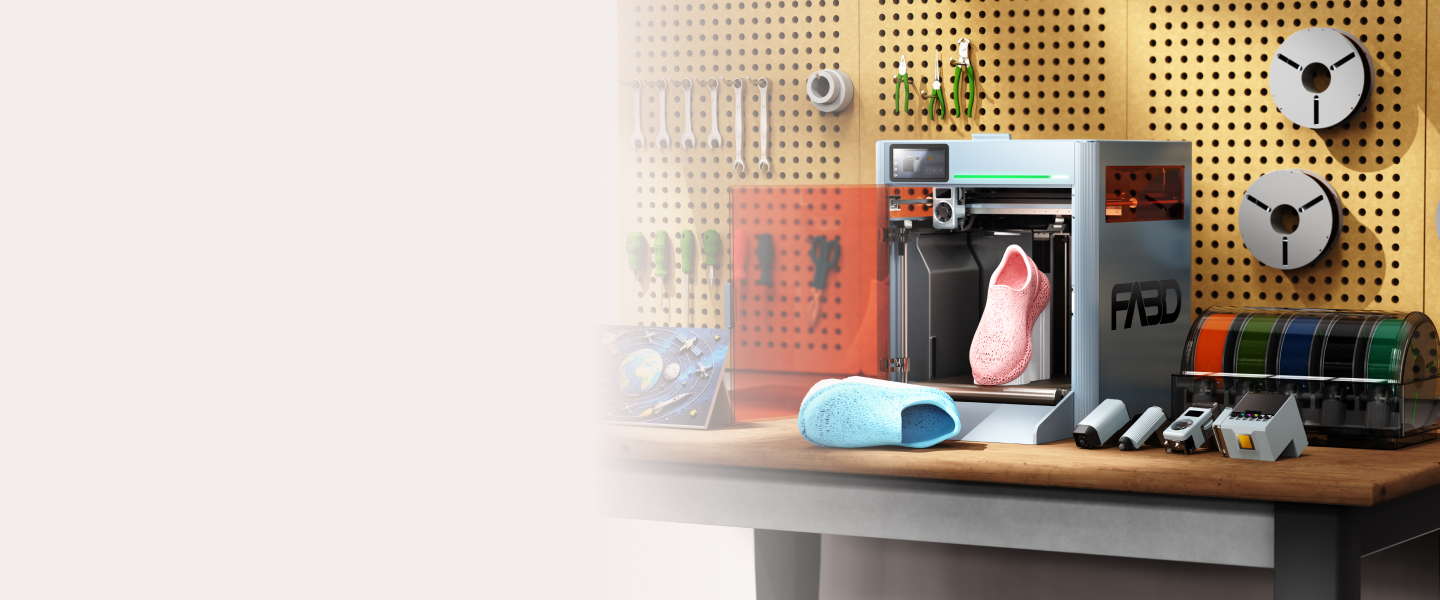
When your print is done, the conveyor bed automatically carries it to the edge, where it's gently separated and dropped off the print surface. DIO X then re-checks itself and gets ready for the next print, no button-pressing needed.
ColorFusion™ FDM+UV Printing
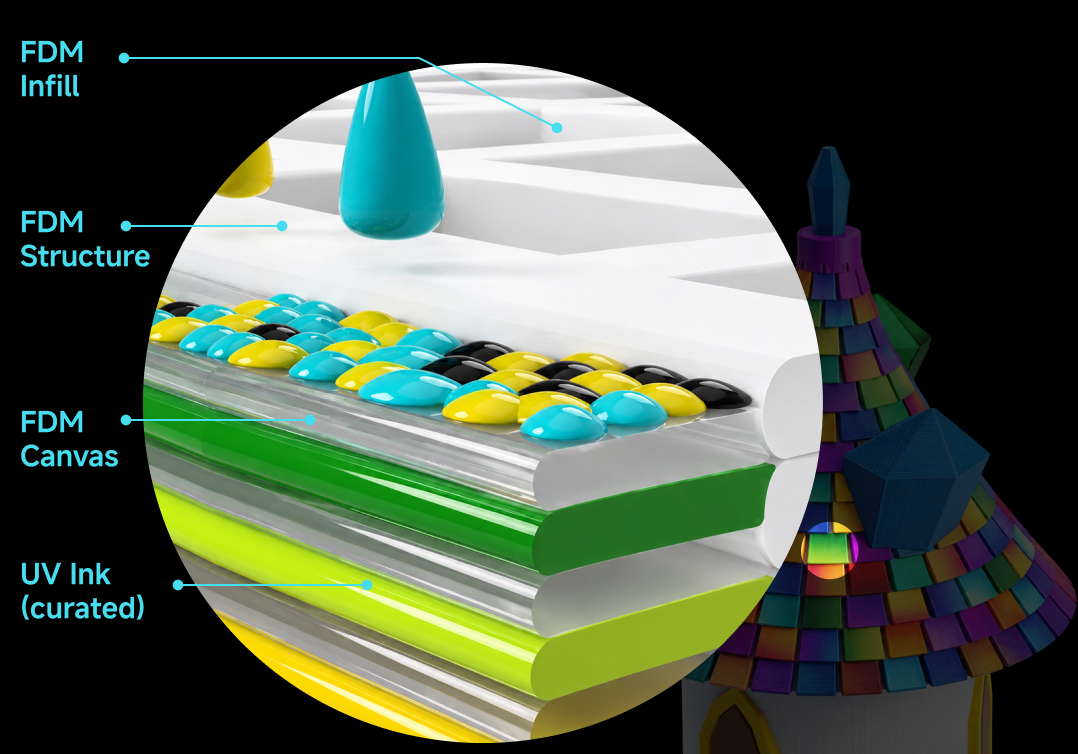
Think of the canvas as a universal bridge. It bonds tightly with the FDM base material used for internal structure and infill, as well as the UV ink layered on top, allowing color to transition across the surface cleanly and precisely. Because the UV toolhead only needs to color this thin outer layer rather than the entire body, it uses less ink and cures faster than traditional UV 3D printing.
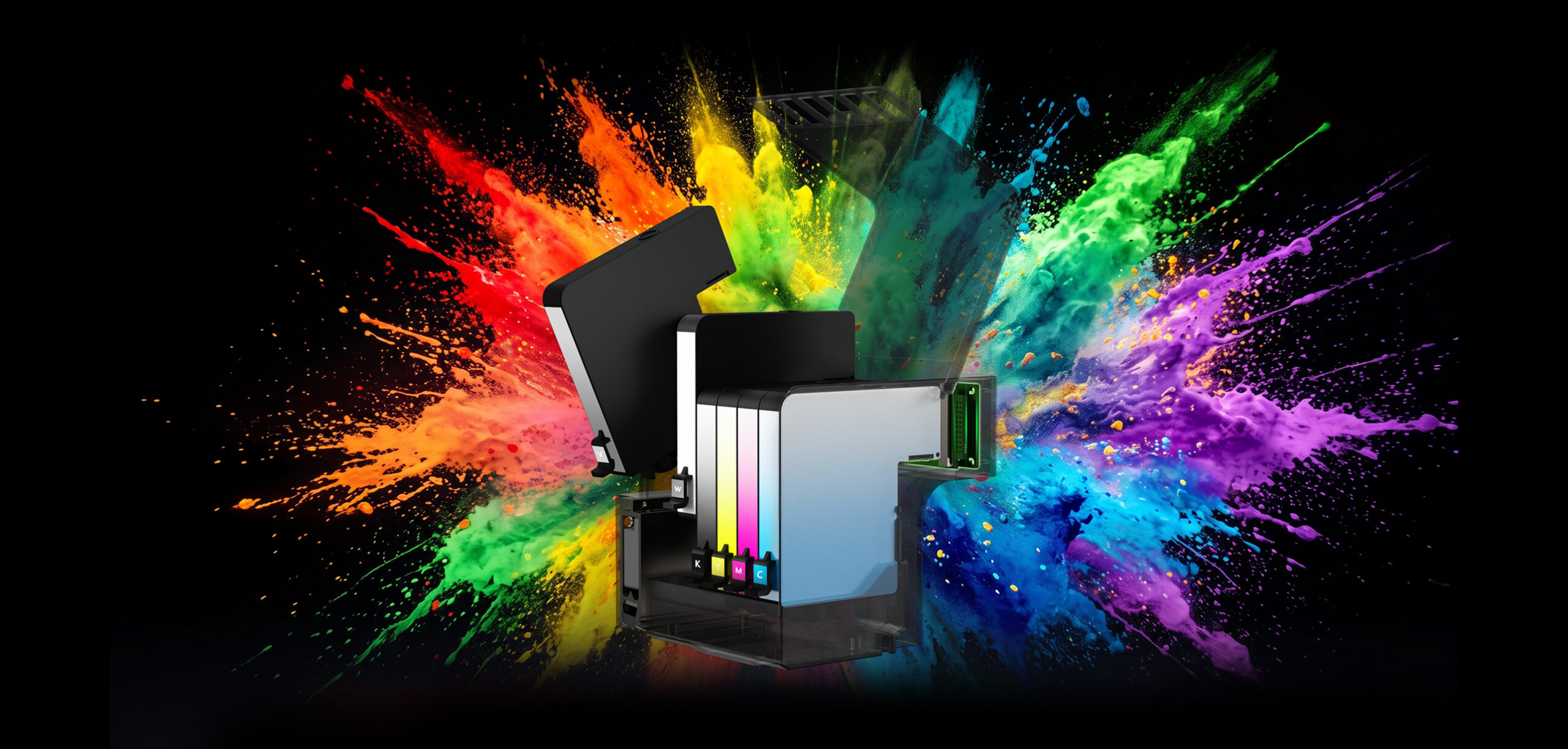
The UV toolhead delivers millions of colors via its 6-channel ink system, with ultra-fine 1440 DPI ink droplets. Powered by smart path planning and real-time visual calibration working in tandem, color is painted precisely onto the FDM canvas for perfect alignment every time.
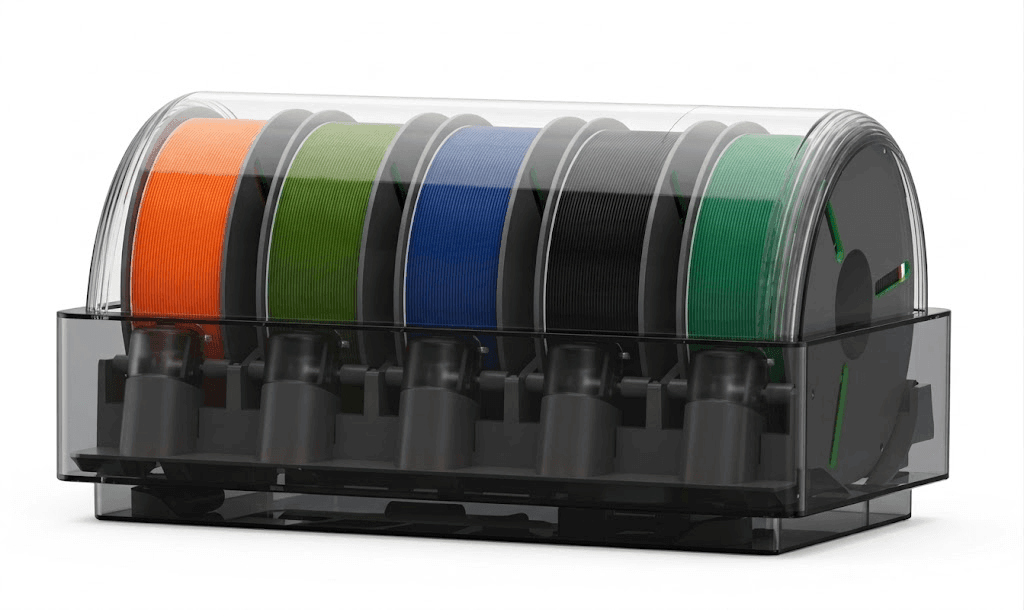
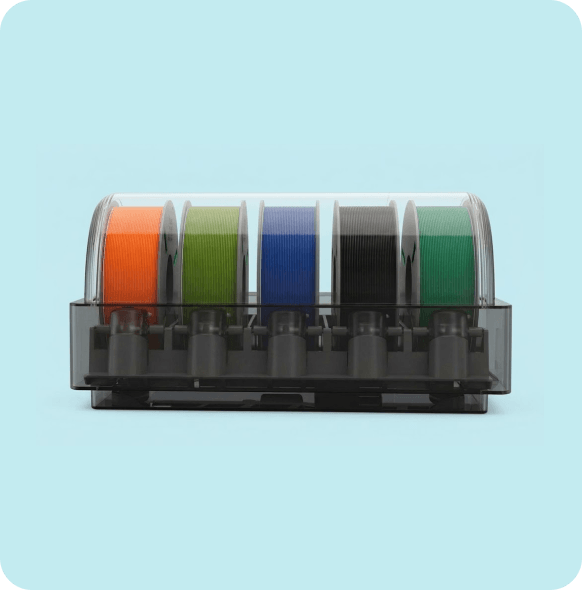
All-in-One Filament Management
TPU, PLA, and PETG absorb moisture easily — hurting print quality. FA3D MDS keeps your filament dry with active drying, real-time humidity monitoring, and automatic venting, so it's ready whenever you print. If you want richer, more nuanced colors beyond what multi-filament printing can offer, keep reading next chapter to explore our integrated UV coloring workflow.
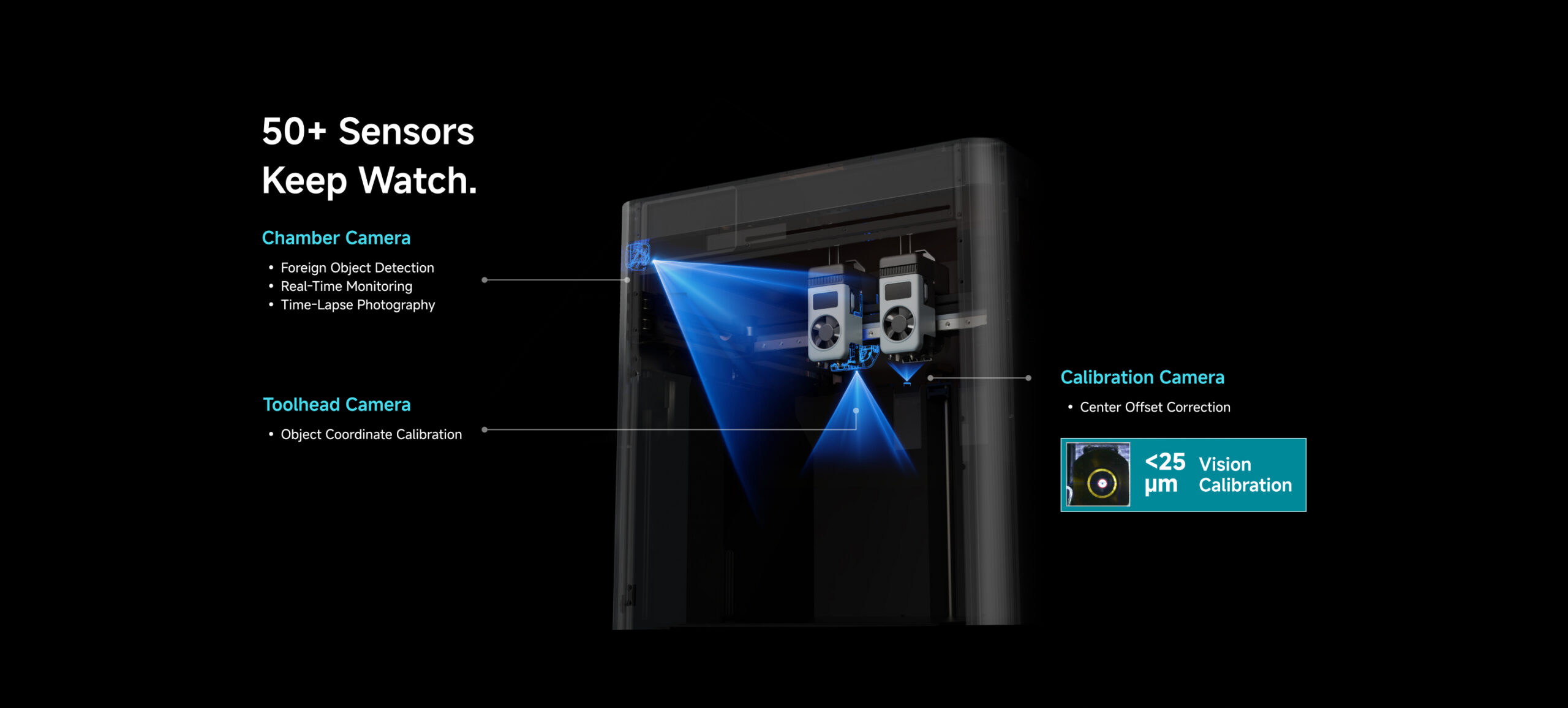
STEP1
Collect finished prints as they come off, and swap in a new spool when one runs low. That's the only hands-on step in the loop.
STEP2
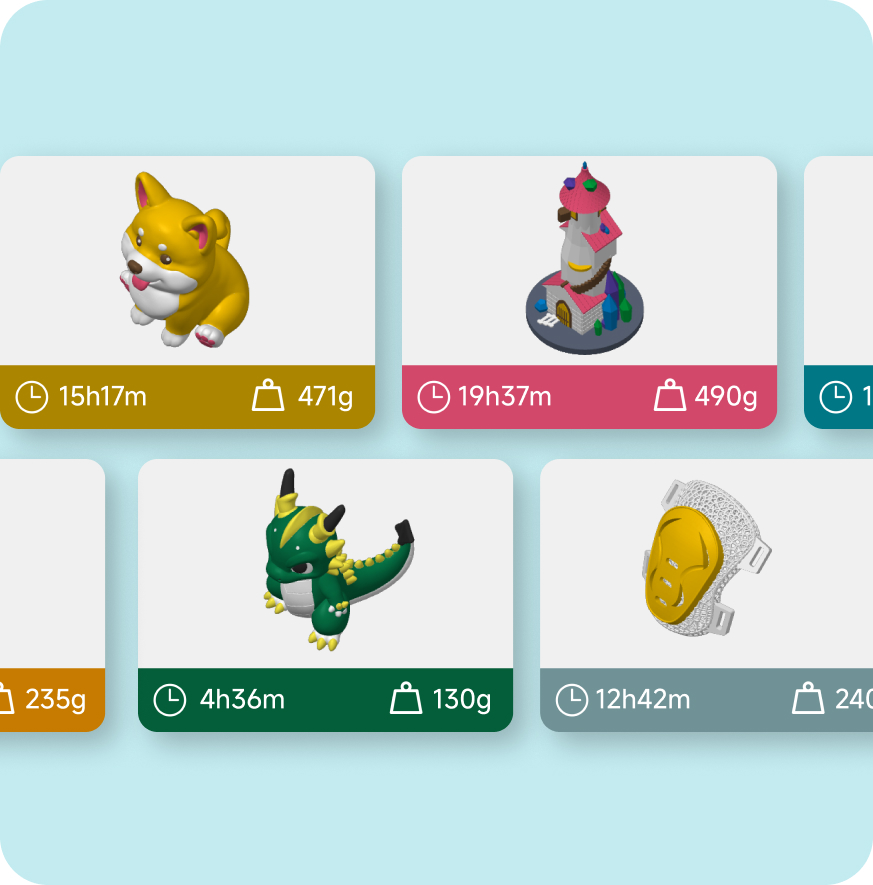
Set the print order once and active the Print-part auto-unloading feature, let queue runs itself from there.
STEP3
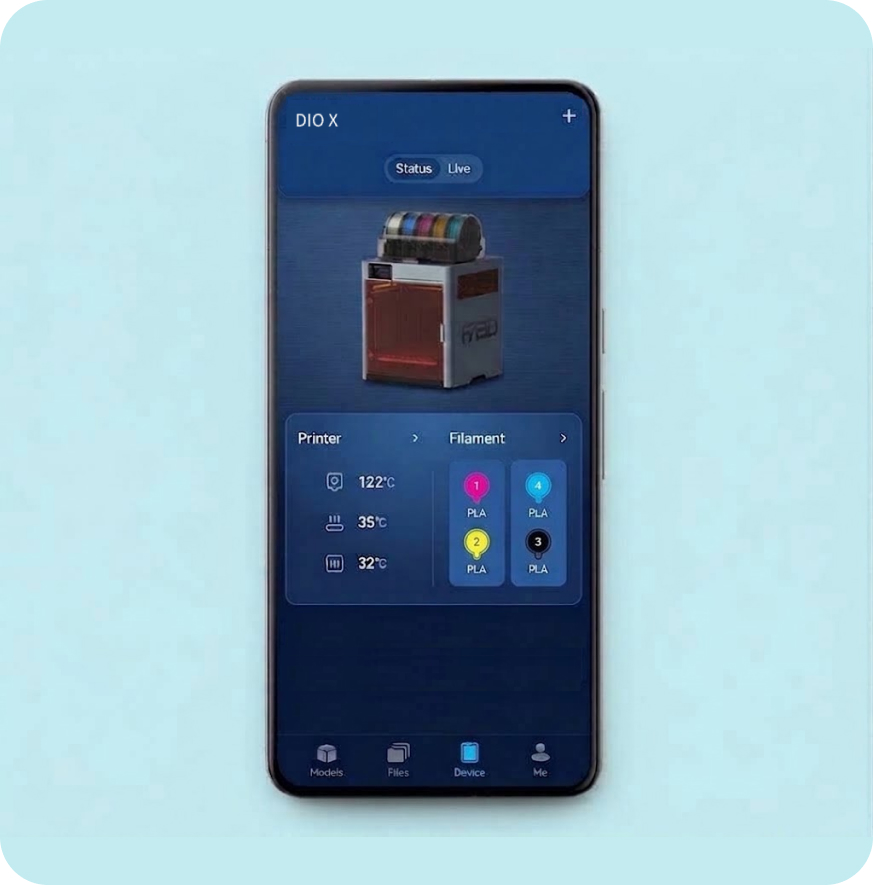
If something's off, you'll get an alert through the FA3D App. Step in remotely or queue the next job, straight from your phone.
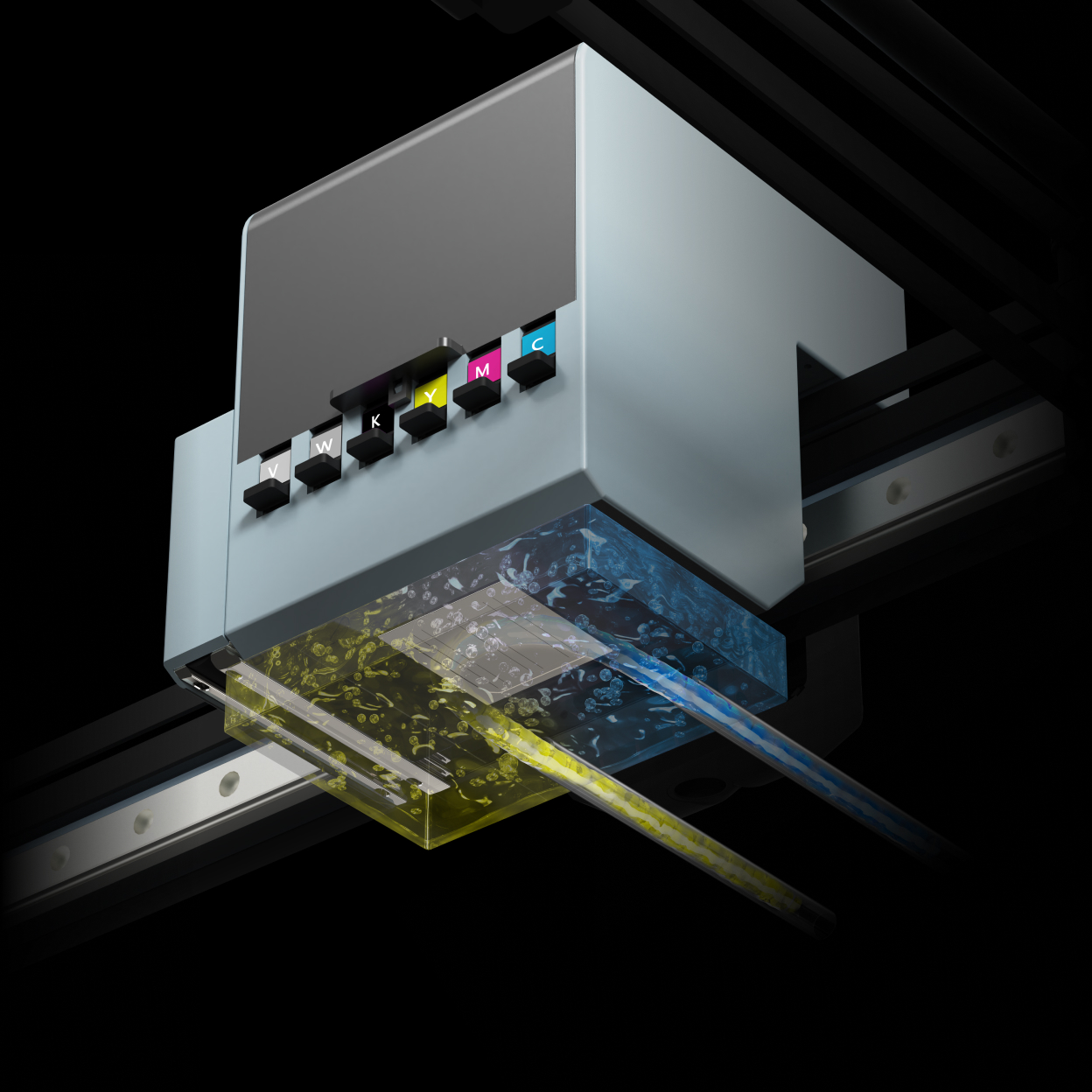
After every print, the nozzles are soaked to soften dried ink, kept moist through a continuous circulation cycle, then cleared by negative-pressure suction. Clogging is addressed before it can ever slow you down.
Auto-Unload Print-Part Technology